How to turn on three-finger drag on a Mac
Published November 15, 2026 · By the Qesture team · macOS 26 and later
Three-finger drag lets you carry a window, a file or a piece of selected text without holding the trackpad down. It is off until you turn it on, and once it is on, three fingers drag instead of swiping.
Turn on three-finger drag
- Open System Settings → Accessibility → Pointer Control.
- Click Trackpad Options….
- Turn on “Use trackpad for dragging”.
- Open the Dragging style menu and choose Three Finger Drag.
The same menu lists the other two styles, Without Drag Lock and With Drag Lock.
What three fingers move
Put three fingers on the trackpad and the thing under the pointer comes with them. That can be a window, which you take by its title bar, a file in Finder, or text you have already selected. Lift your fingers and the item drops where you left it.
What you give up
The cost is the swipes: with dragging on, three fingers no longer move between pages, open Mission Control or open App Exposé. If you want those back, set each one to two or four fingers in Trackpad → More Gestures.
The same finger count can only do one job. If three fingers are dragging, they cannot be swiping at the same time, which is why the swipe settings have to move to another count.
Move windows with three fingers in Qesture
Qesture's window switcher uses a three-finger swipe, so three-finger drag has to be off while that swipe is on. With dragging on, the same swipe would pull a window instead of switching, and Qesture's setup window points this out and opens the right pane.
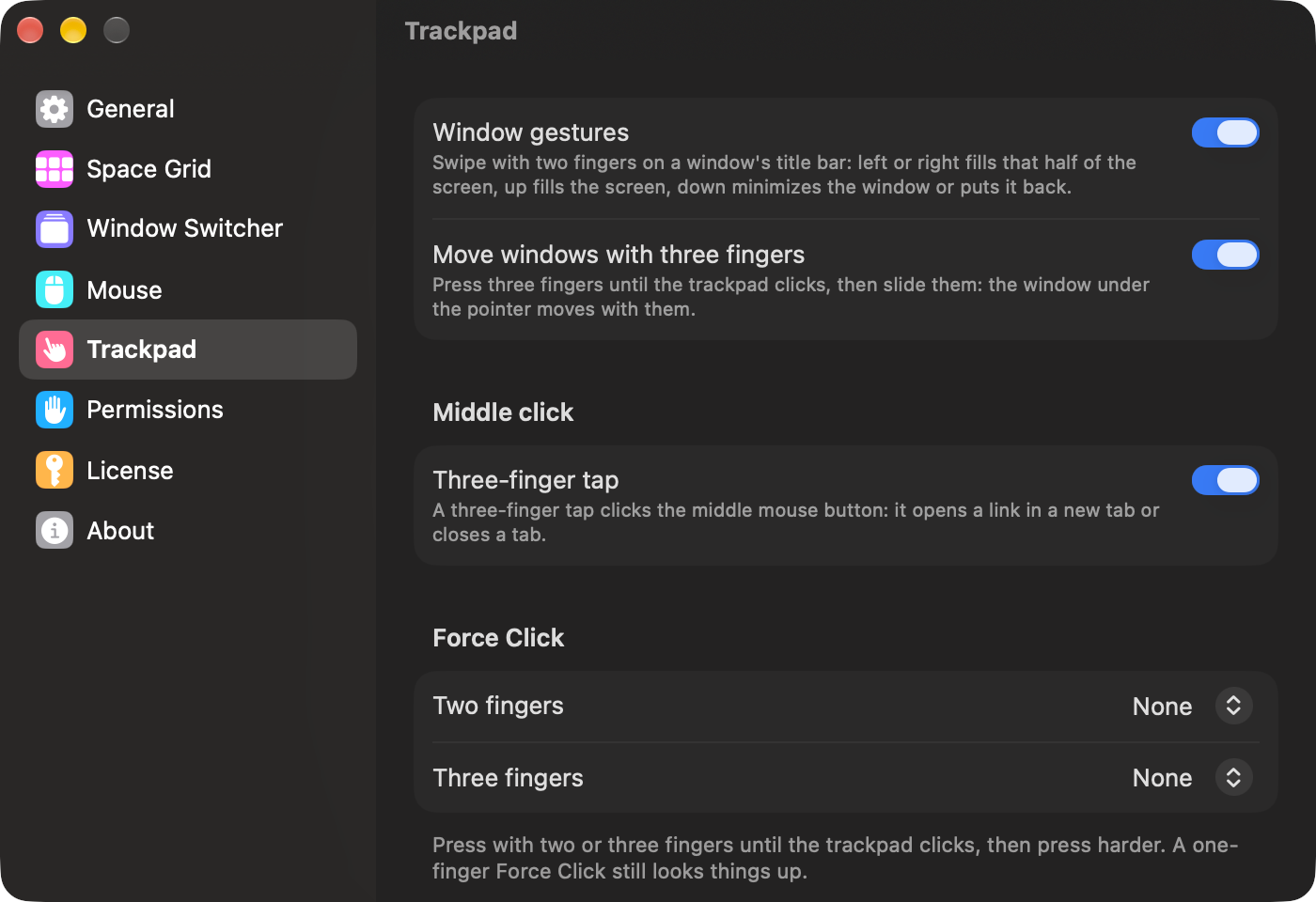
Qesture also has its own way to move a window with three fingers. Turn on “Move windows with three fingers” and press until the trackpad clicks, then slide. The window under the pointer follows, wherever the pointer sits on it, and lifting lets go. This is not the same as three-finger drag: it moves windows only. How to move and tile windows with trackpad gestures on a Mac covers the swipe that tiles a window to half the screen.
Questions
Which trackpads have three-finger drag?
Apple lists it as an option for trackpads that support Force Touch, the same trackpads that can Force Click.
Why do my swipes stop working after I turn it on?
Three fingers now drag whatever is under the pointer, so they cannot also swipe. Move those swipes to two or four fingers, as described above.