How to show the desktop on a Mac
Published November 15, 2026 · By the Qesture team · macOS 26 and later
Open windows cover the desktop for most of the day. macOS has a trackpad gesture, several key combinations and two settings that move them aside, and Qesture gives the same job a place on a Force Click, a mouse button or the ring of apps.
Ways to show the desktop in macOS
Spread your thumb and three fingers
On a trackpad, spread your thumb and three fingers to move every window off the screen. The setting is Trackpad → More Gestures → Show Desktop.
Press a key combination
Press ⌘ and the Mission Control key, or Fn H, or Fn F11. Any of the three clears the windows away.
Click the wallpaper
In System Settings → Desktop & Dock, set “Click wallpaper to show desktop” to Always. A click on the wallpaper then moves all windows out of the way. Only in Stage Manager keeps it to the times Stage Manager is on.
Use a Hot Corner
In the same pane, Hot Corners… can give a screen corner the Desktop action. Move the pointer into that corner and the desktop appears.
Bring the windows back
Do the same gesture or press the same keys again. The windows return as they were, so nothing is lost when you clear the screen for a moment.
One combination is close but not the same: ⌥ ⌘ H hides every app except the one in front. The front app's windows stay where they are, and the other apps leave the screen.
Show the desktop with Qesture
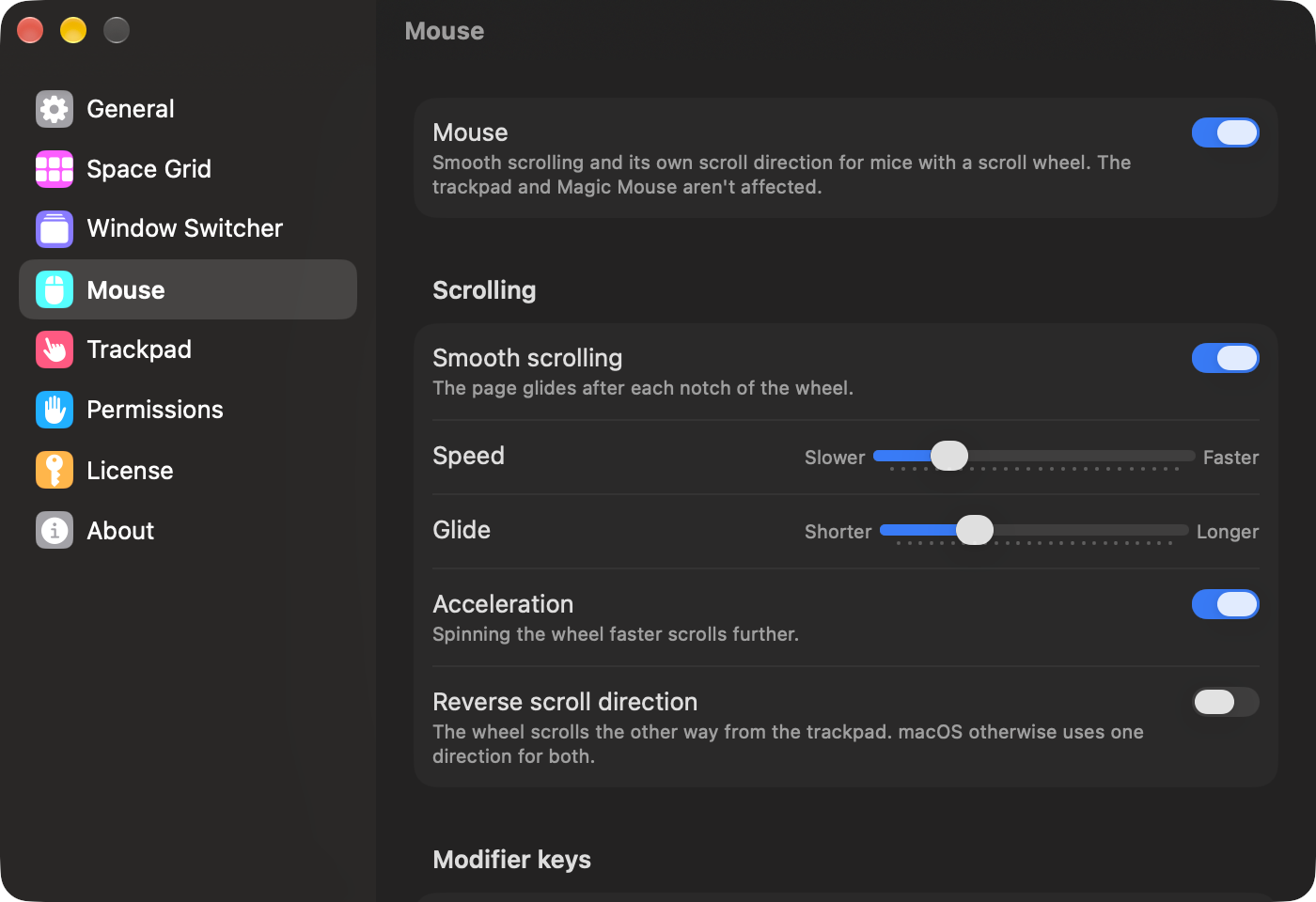
Qesture puts Desktop on the actions you already use. On a Force Touch trackpad, give it to a Force Click with two or three fingers: press until the trackpad clicks, then press harder. On a mouse, give Desktop to the middle button, button 4 or button 5, and choose a click, a double click or a hold as the trigger. The ring of apps can hold Desktop in one of its eight places, so resting five fingers and sliding reaches it. Each one is set in Qesture's Settings, and the Desktop action is one of several you can pick.
Questions
Where did my windows go?
They are still open, just out of sight. The gesture, the keys, the wallpaper click and the Hot Corner all move them aside without closing anything, and repeating the same action brings them back.
How do I show the desktop with a mouse?
Give the middle button, button 4 or button 5 the Desktop action in Qesture's Mouse settings. Without Qesture, set “Click wallpaper to show desktop” to Always in Desktop & Dock and click an empty part of the wallpaper.