Press kit
Writing about Qesture? Email contact@qeepl.com for a free license key.
Download everything (ZIP): the icon, screenshots, promotional images and the texts below.
In one line
Your Mac's trackpad and mouse can do a lot more.
Short description
Your Mac's trackpad and mouse can do a lot more with Qesture. Swipe four fingers to jump between rows of spaces, hold three to switch windows with previews, and give any mouse smooth scrolling and button actions. It's a one-time purchase from $9.99 with a 14-day free trial, for macOS 26 or later.
About Qesture
Qesture is a menu bar app that teaches your Mac's trackpad and mouse the gestures macOS left out. Your spaces become a grid, switching shows windows instead of apps, any mouse wheel scrolls smoothly, and your fingers move and tile windows. Every feature can be turned off.
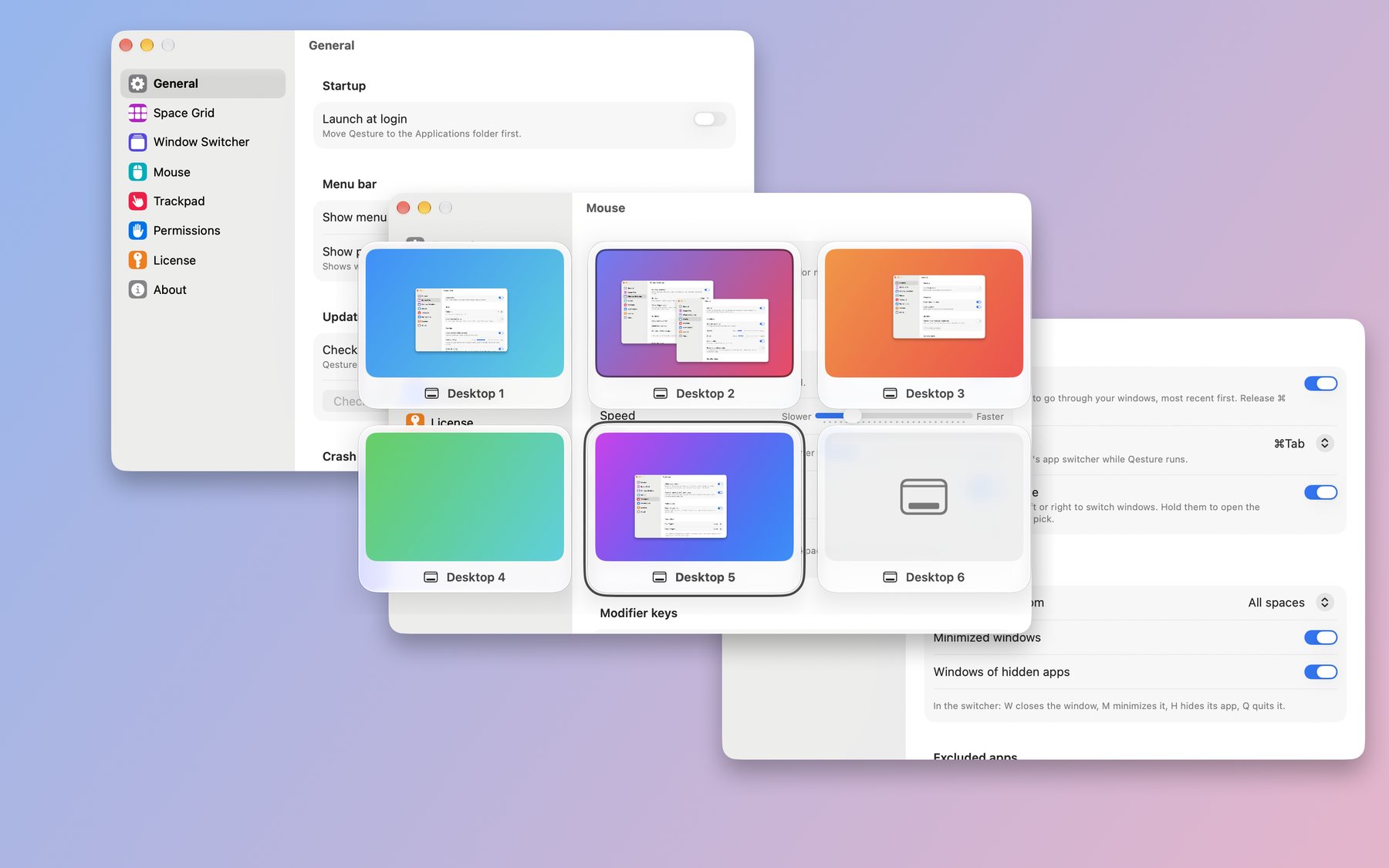
- Space Grid. Stop swiping through spaces one by one: Qesture stacks them in a grid. Swipe four fingers up or down to jump a row, or hold them still to pick any space on a glass overlay with previews.
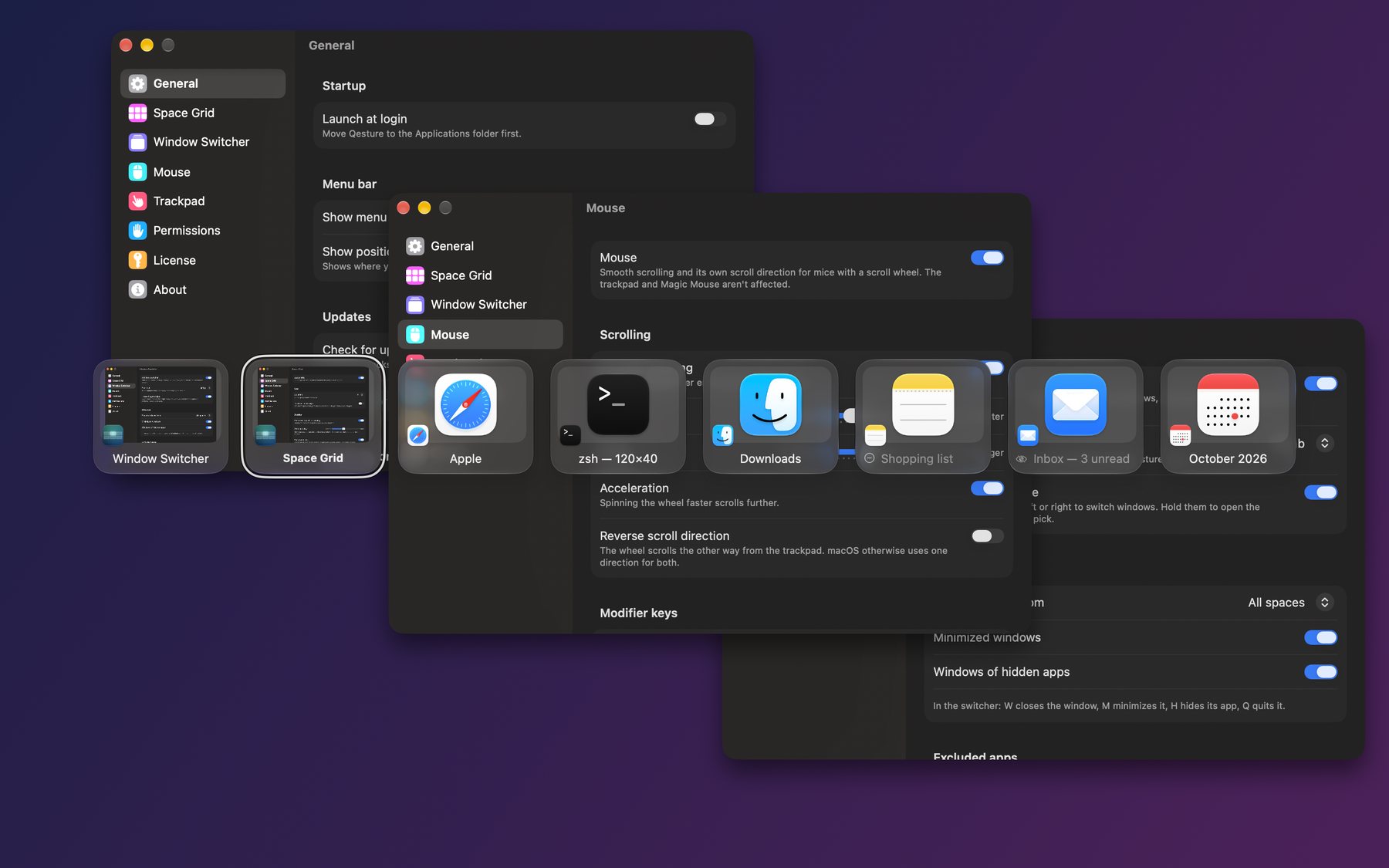
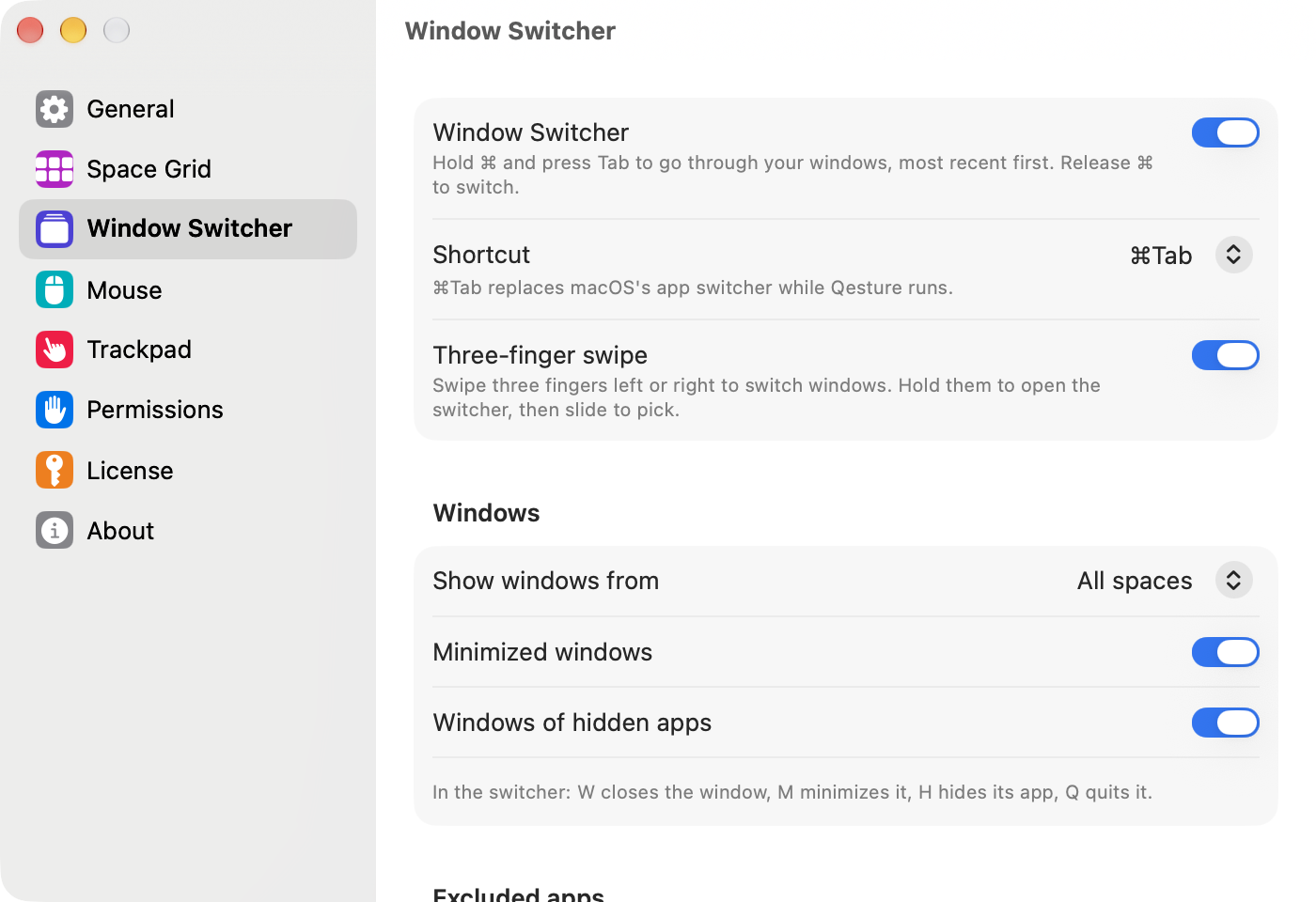
- Window Switcher. Command-Tab and a three-finger swipe show windows from every space, most recent first, with previews. Press W, M, H or Q to close, minimize, hide or quit right from the switcher.
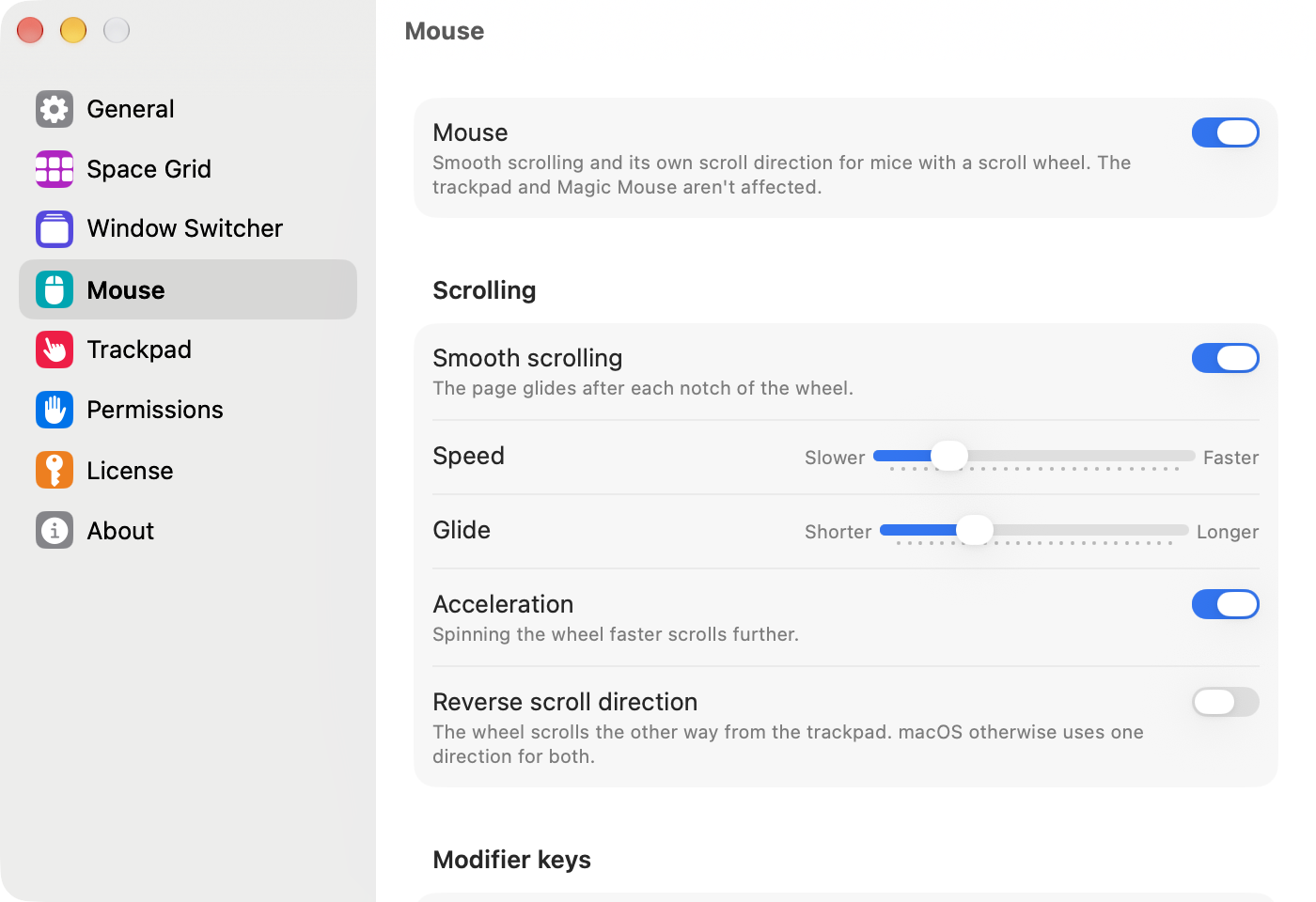
- Mouse. Smooth scrolling for any wheel, with glide, acceleration and its own scroll direction. Actions for the middle button and buttons 4 and 5. Hold the middle button and click the right one to switch windows.
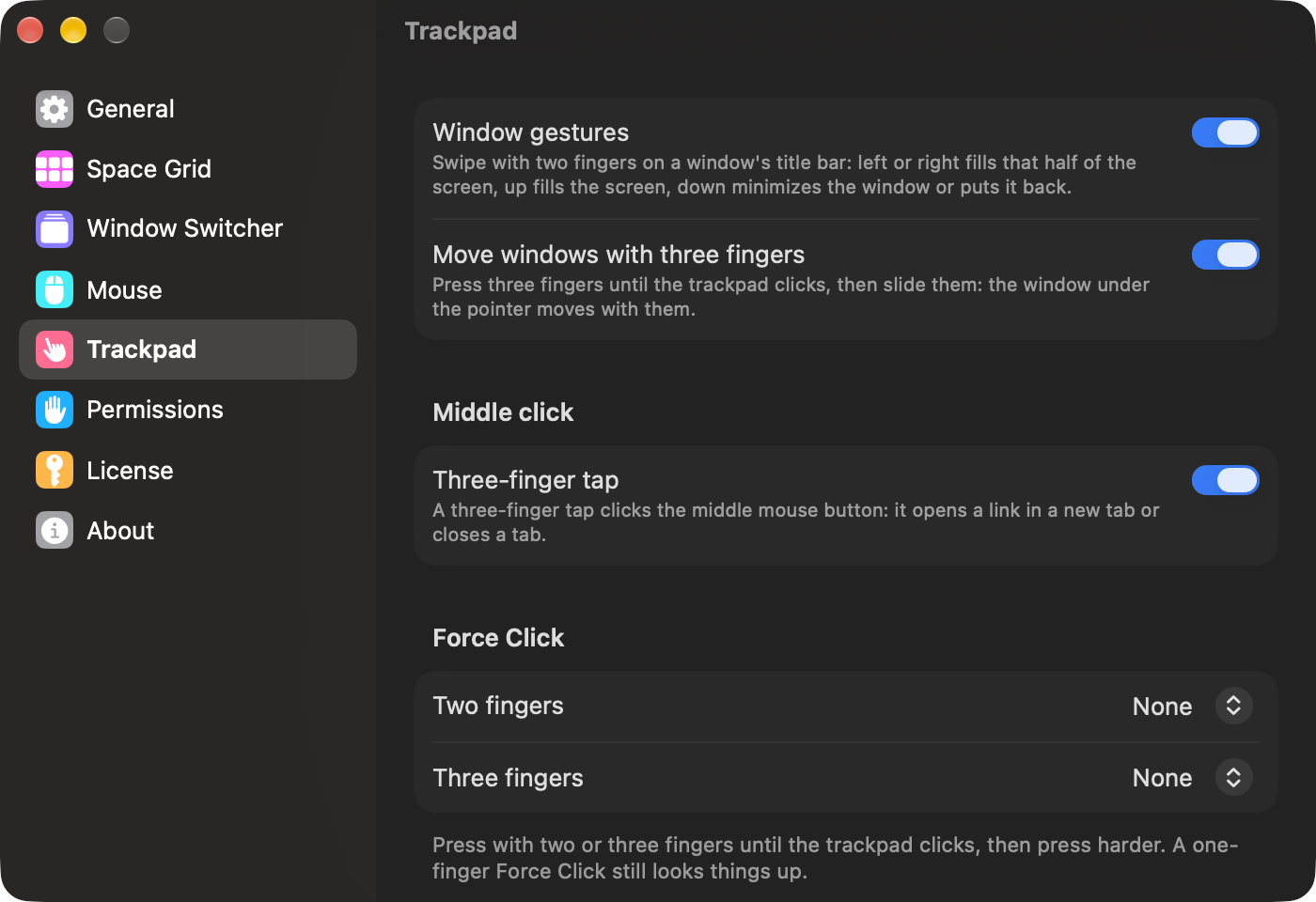
- Trackpad. Tap three fingers for a middle click, swipe two fingers on a title bar to tile a window, press three fingers and slide to move the window under the pointer, and Force Click with two or three fingers to run an action.
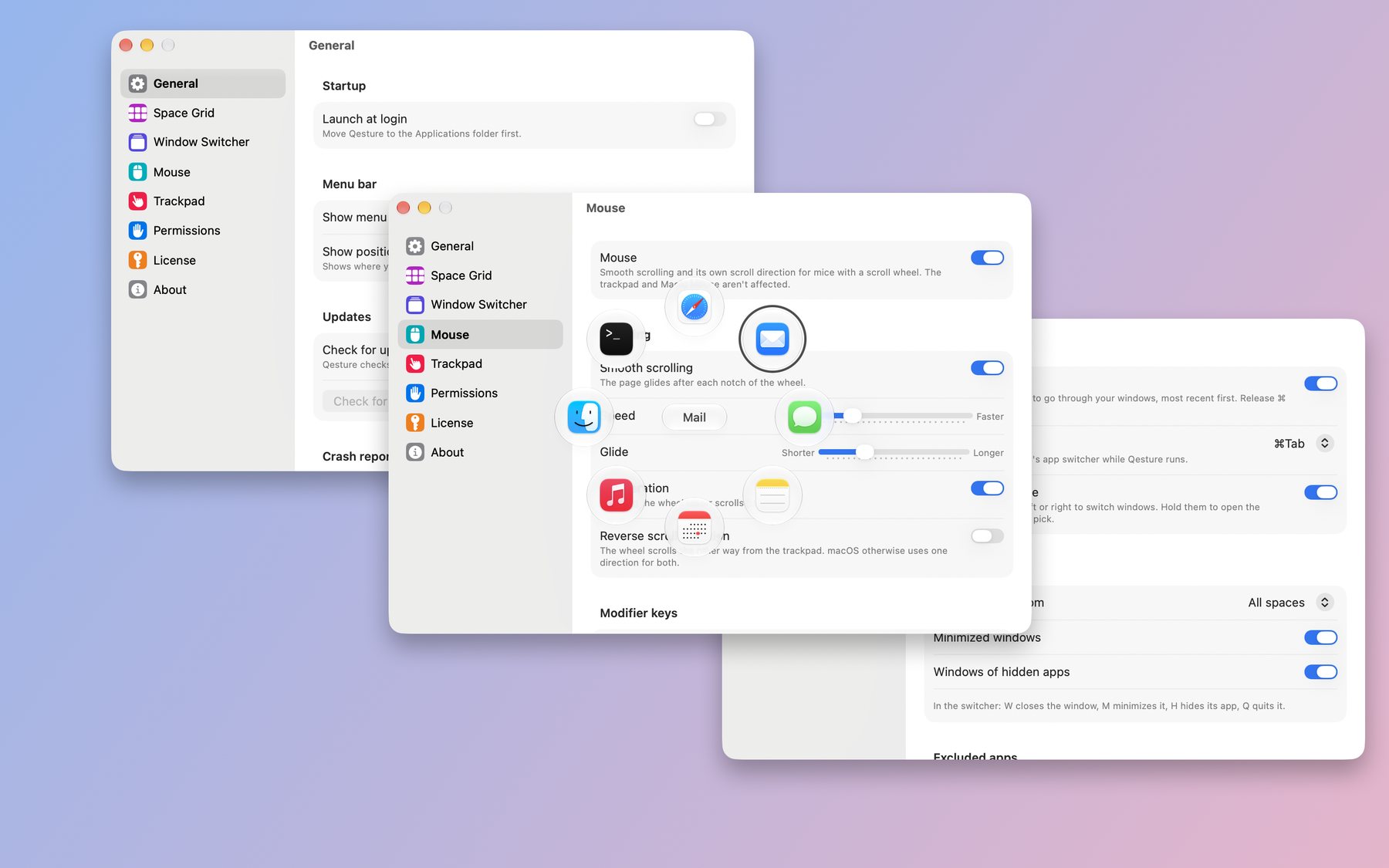
- Radial menu. Rest five fingers to open a ring of eight apps and actions around the pointer, slide toward one, and lift.
Facts
- Name
- Qesture, with a Q
- Developer
- Qeepl, Inc., Delaware, USA
- Version
- 1.0, October 2026
- Requires
- macOS 26 or later, Apple silicon or Intel
- Price
- One-time purchase: $9.99 for 1 Mac, $14.99 for 2, $19.99 for 3. Free updates for all 1.x versions.
- Trial
- 14 days, every feature, no card needed
- Language
- English
- Privacy
- No analytics, no tracking
- Where to get it
- qesture.com. Signed with Apple's Developer ID and notarized by Apple.
- Contact
- contact@qeepl.com
Video
Download the video: one minute, 1920 × 1080 MP4, 11 MB.
Icon and screenshots
Screenshots of Qesture on macOS 26, in dark and light mode. Click an image for the full size.
 App icon, 1024 × 1024 PNG
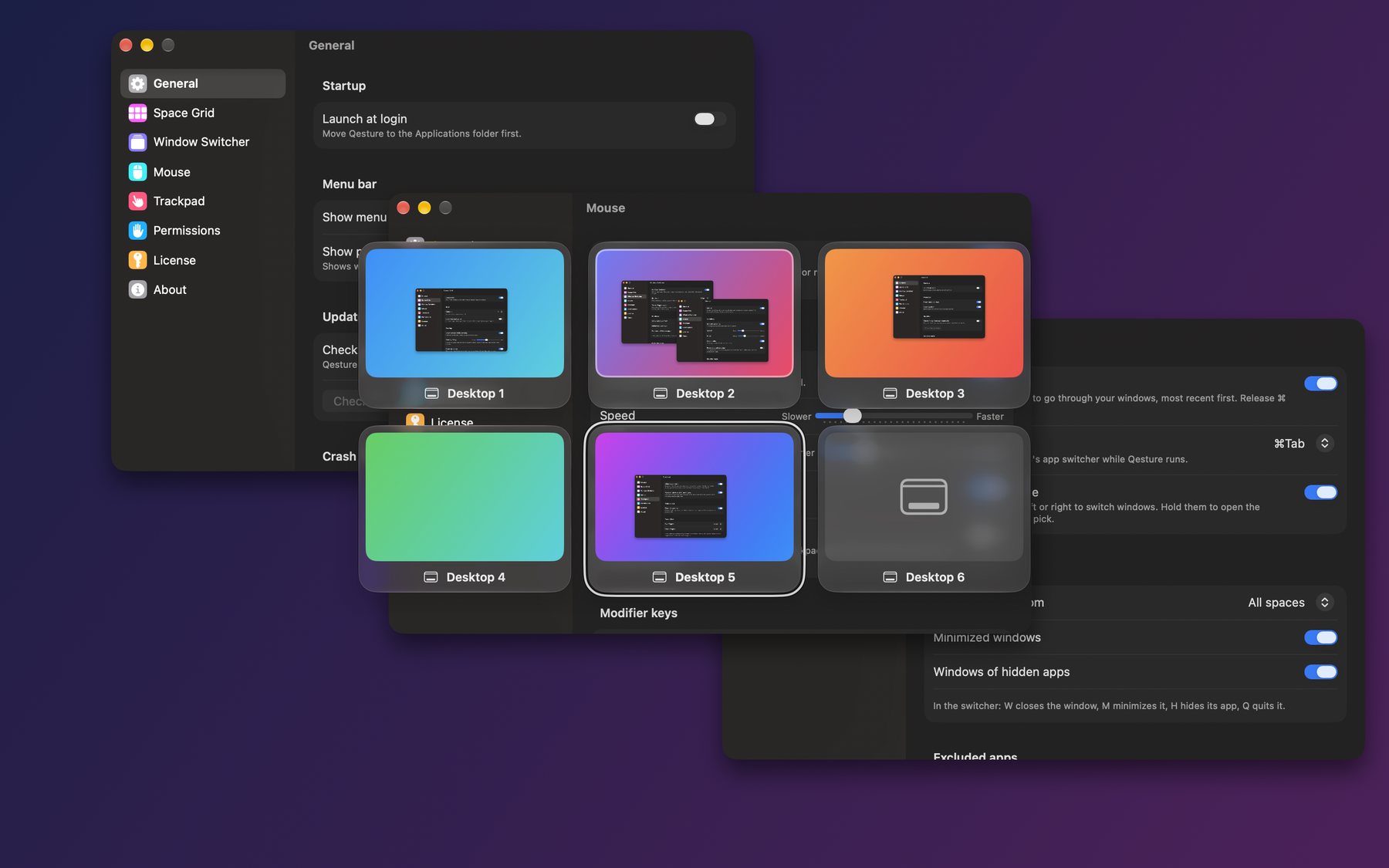 Space Grid · light
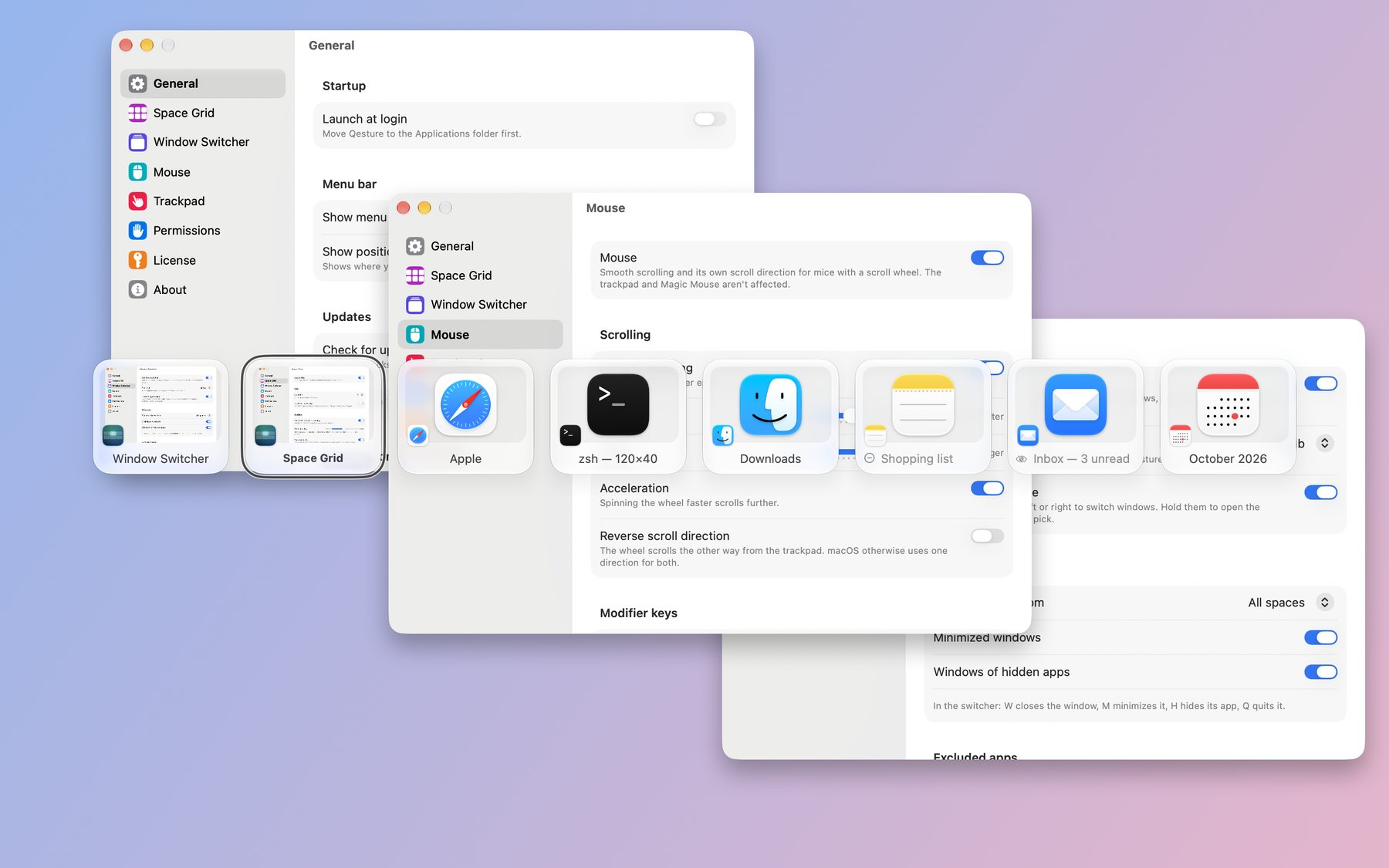 Window Switcher · dark
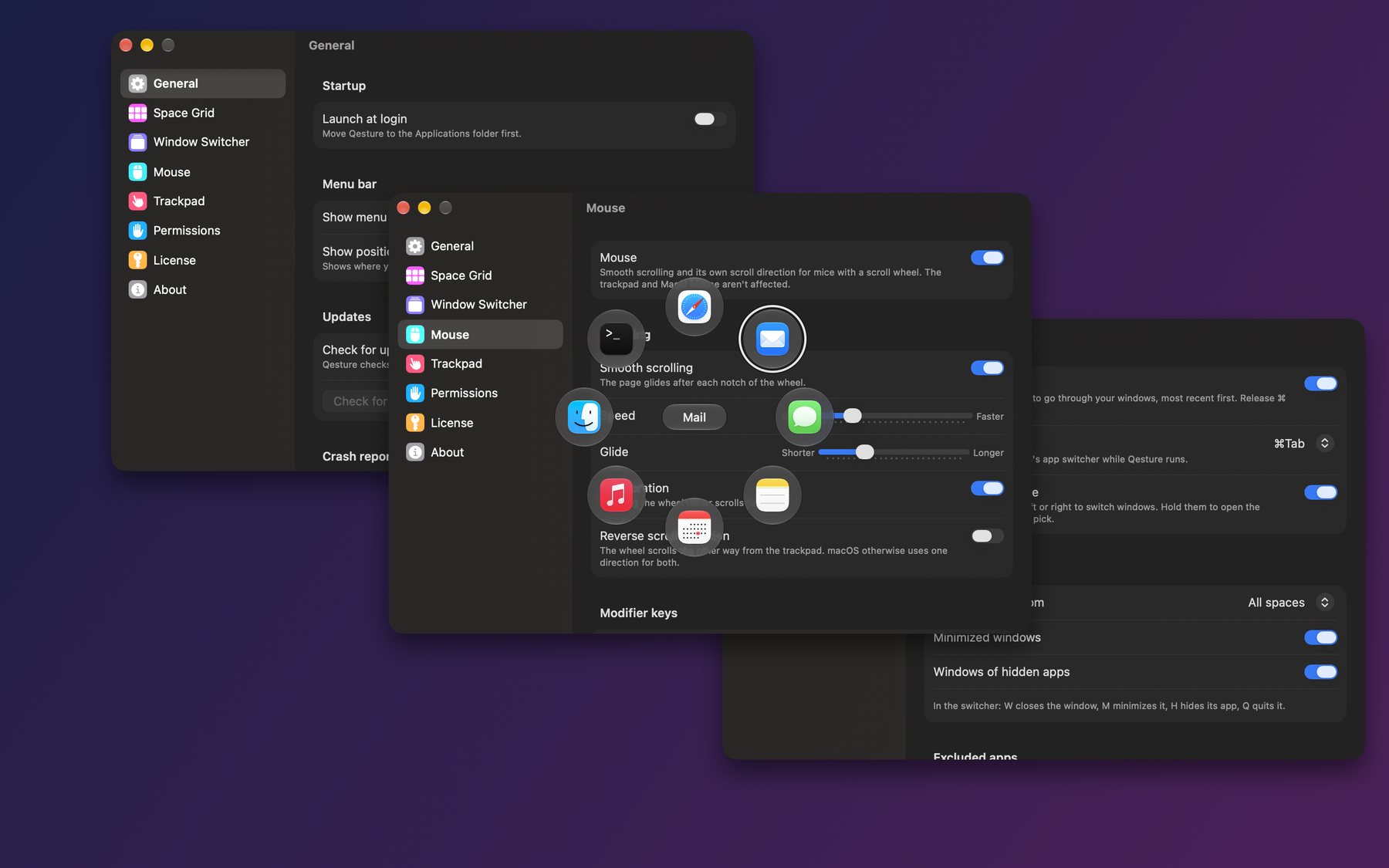 Radial menu · light
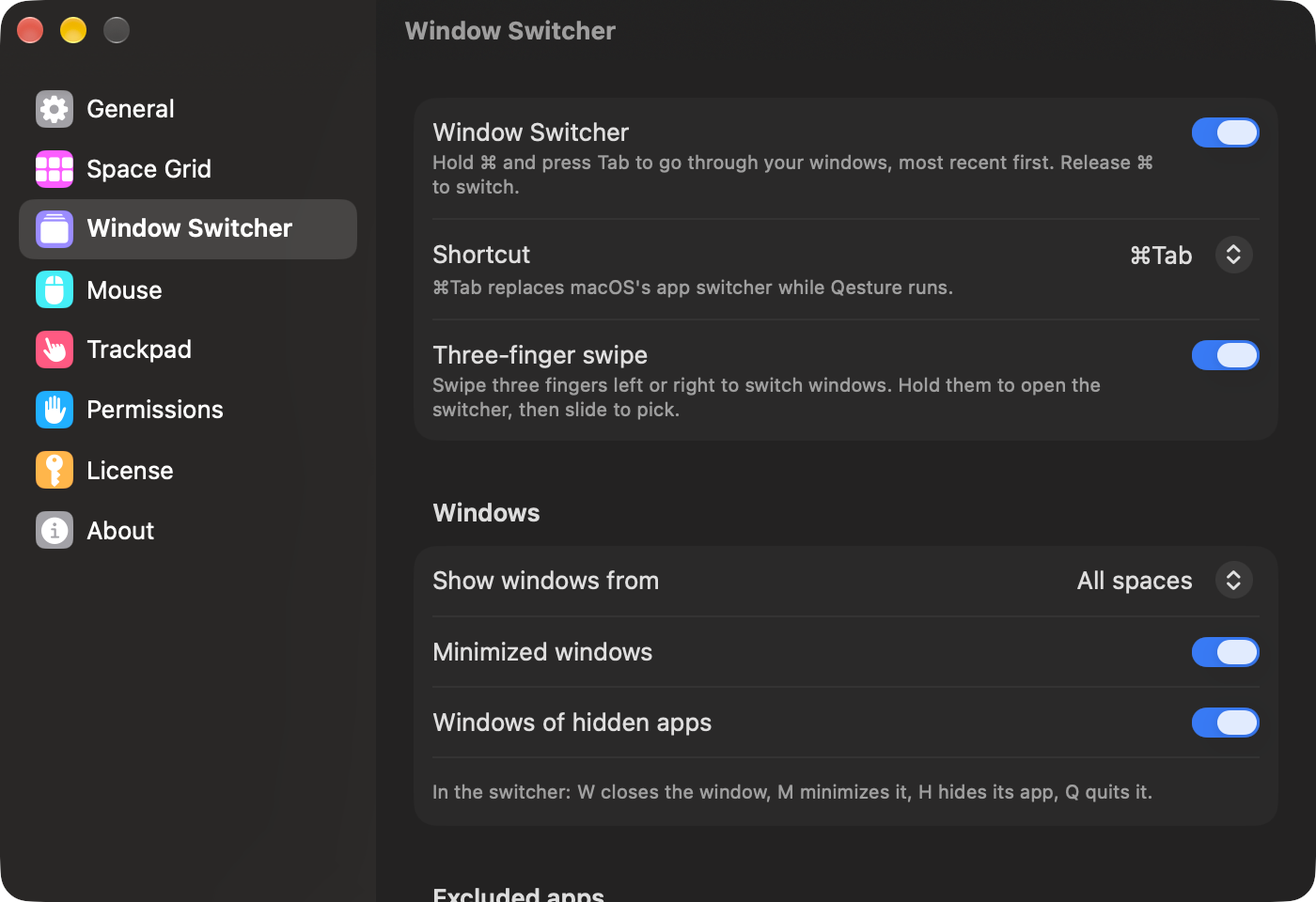 Settings: Window Switcher · light
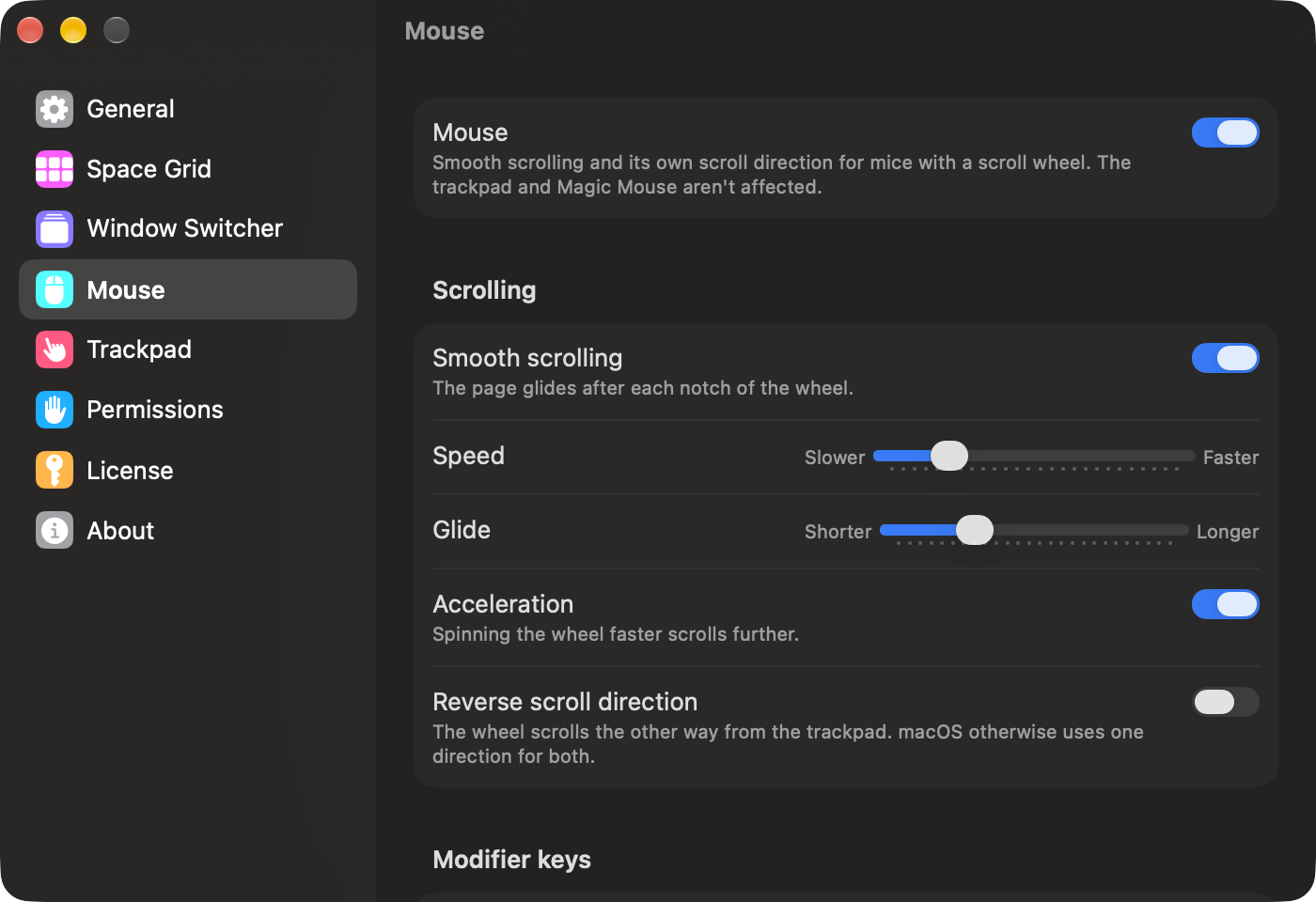 Settings: Mouse · light
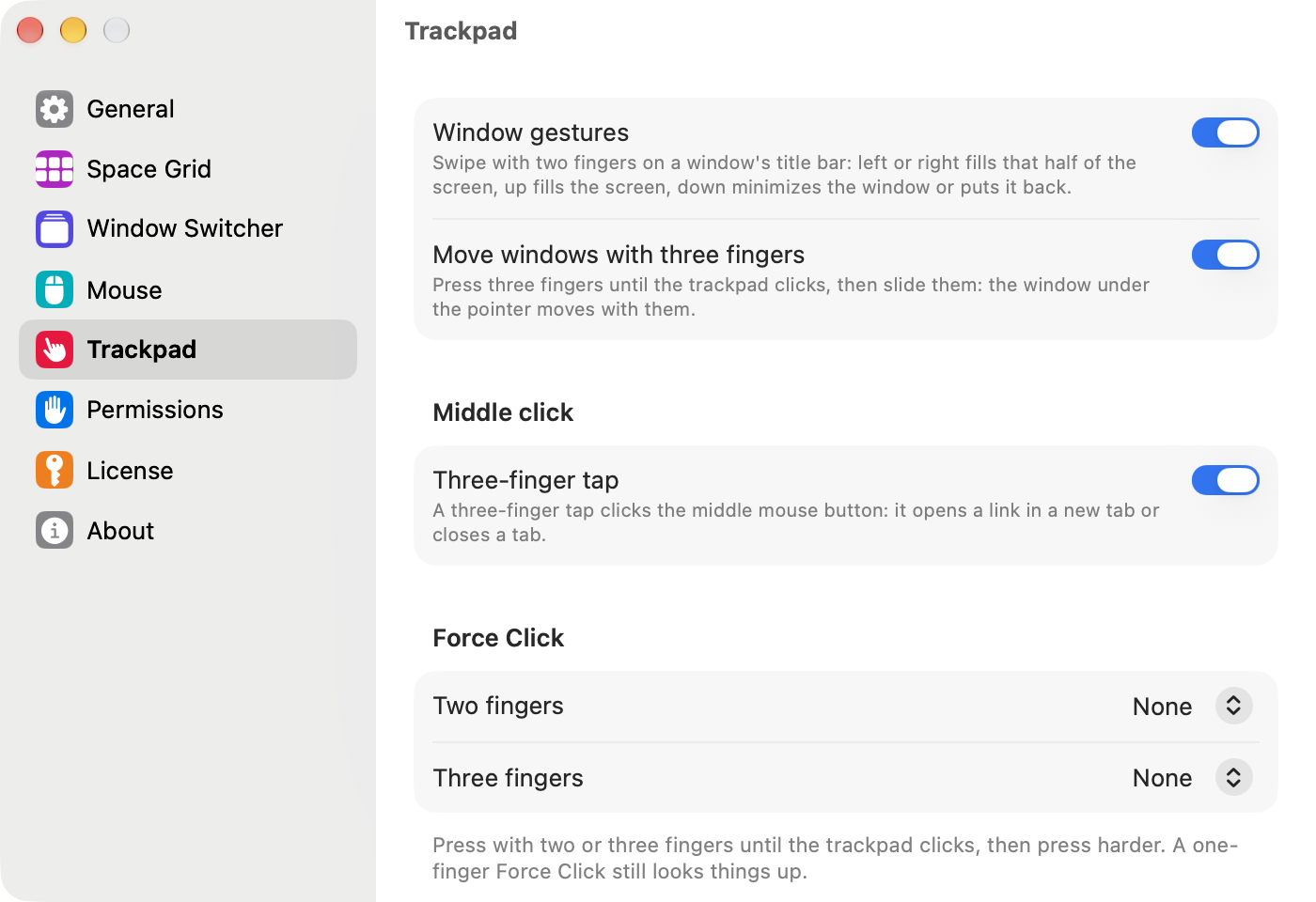 Settings: Trackpad · dark
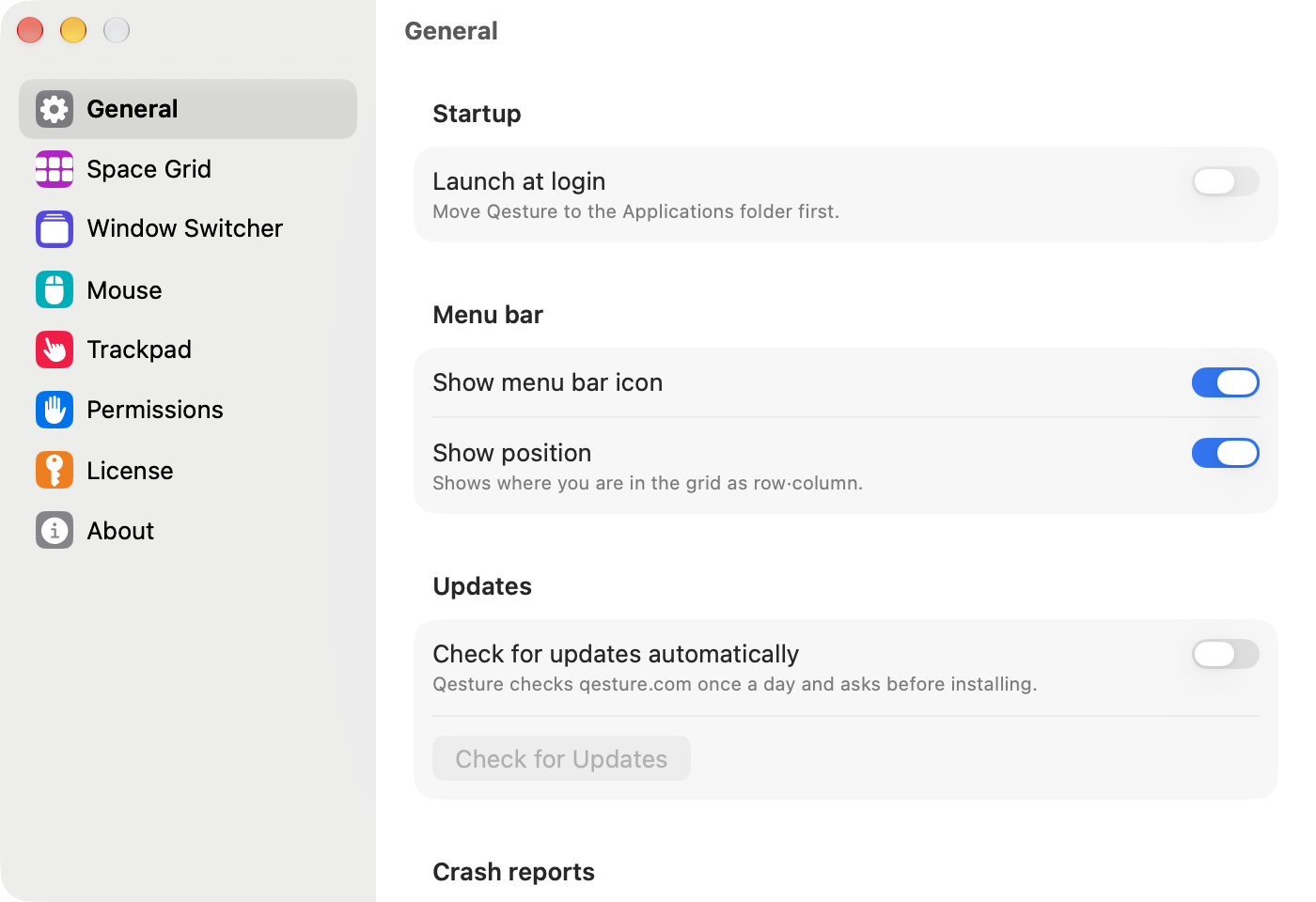
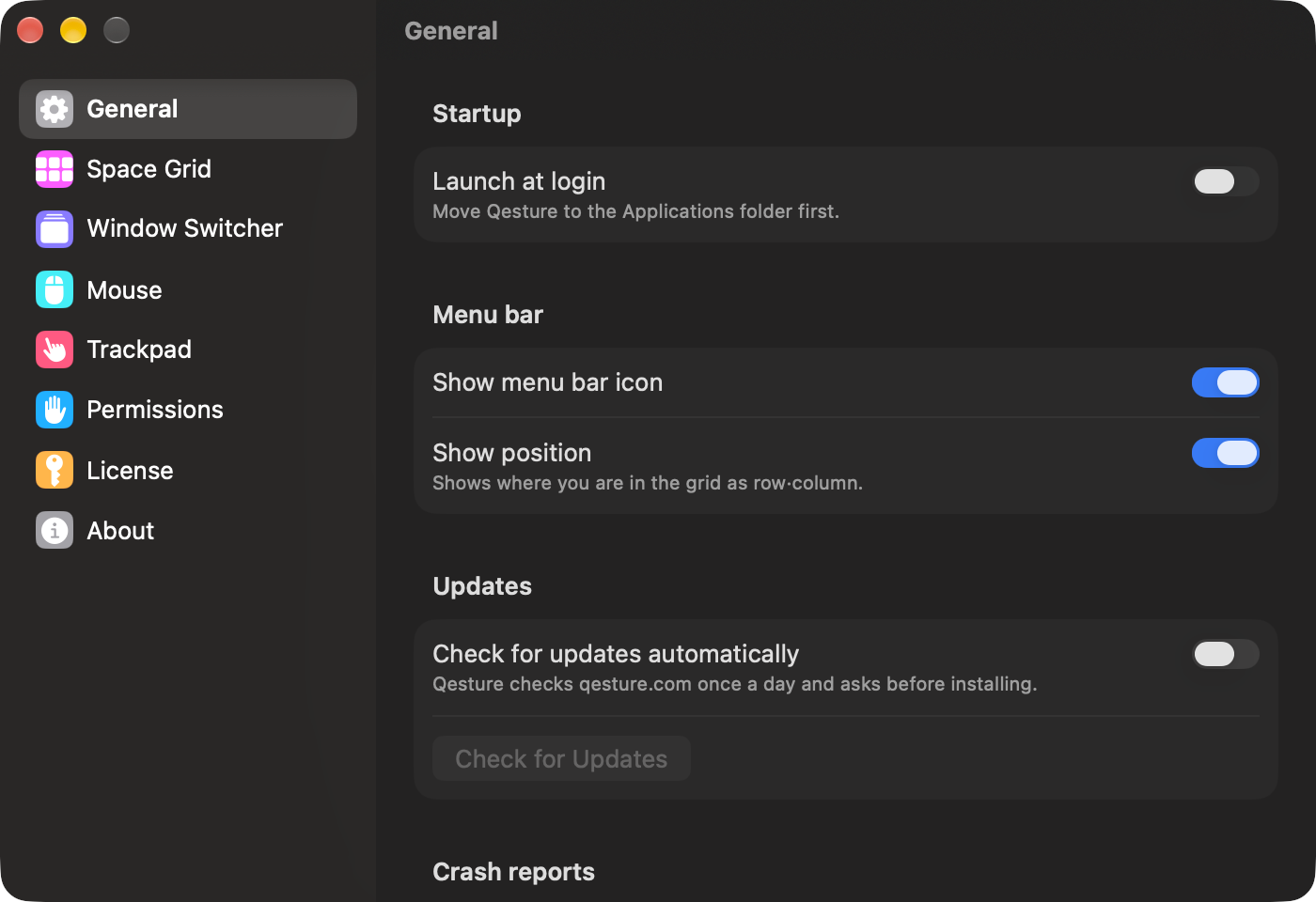 Settings: General · light
Contact
For questions, interviews and review keys: Roman Nikolaev, contact@qeepl.com.