Qesture

Your trackpad and mouse can do a lot more.

Jump between spaces, switch and tile windows, and scroll smoothly on any mouse.

14-day free trial. macOS 26 or later.

Features

Space Grid

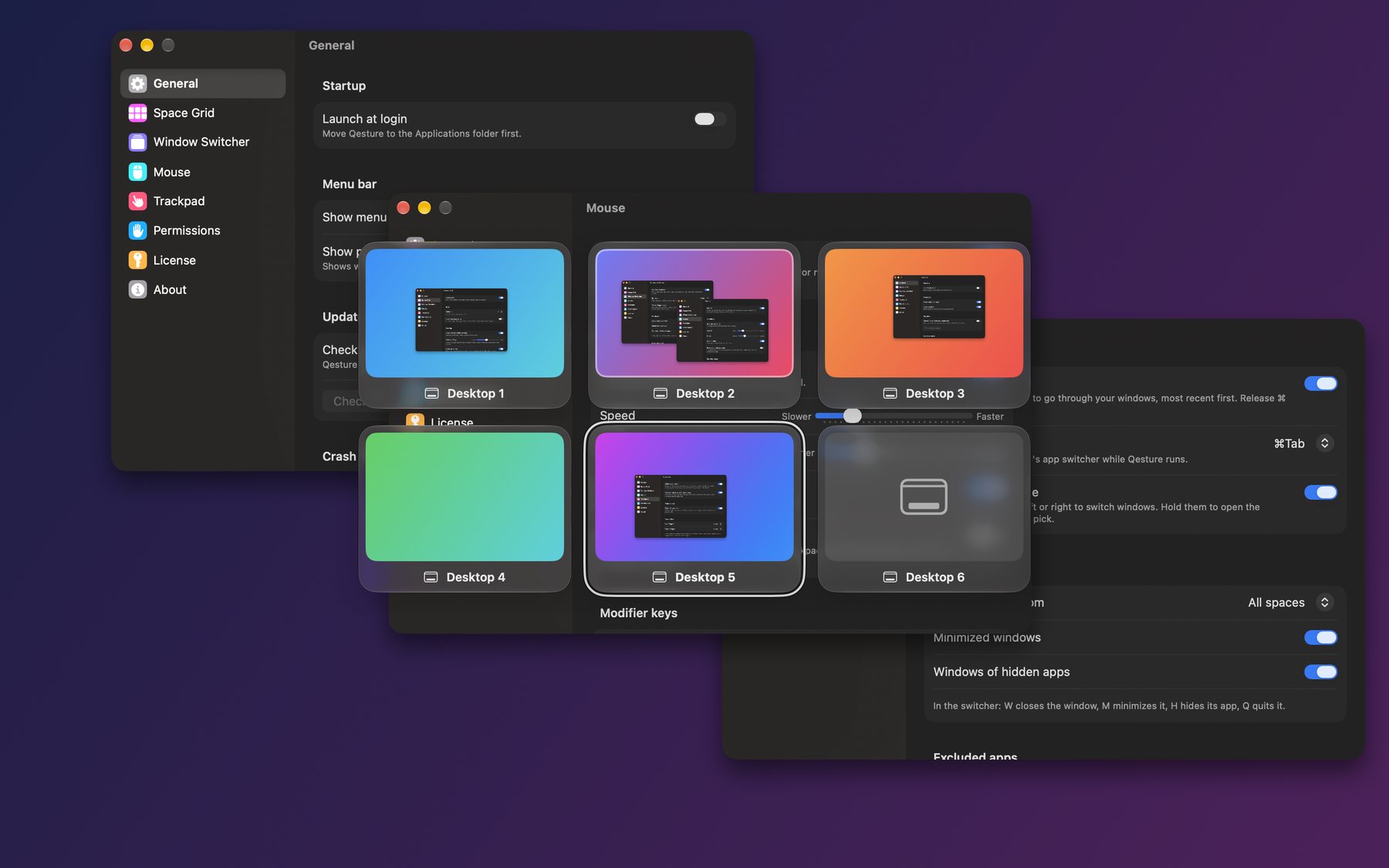
Stop swiping through spaces one by one. Qesture stacks them in a grid, so a four-finger swipe jumps a whole row.

  • Swipe up or down with four fingers to jump a row.
  • Hold four fingers still to pick any space on the glass overlay with previews.
  • While picking, hold still on a desktop with several windows to see layouts above the grid. Slide up to one and lift to arrange its windows.
  • Drag the middle mouse button to slide between spaces, or hold it still to pick.

Window Switcher

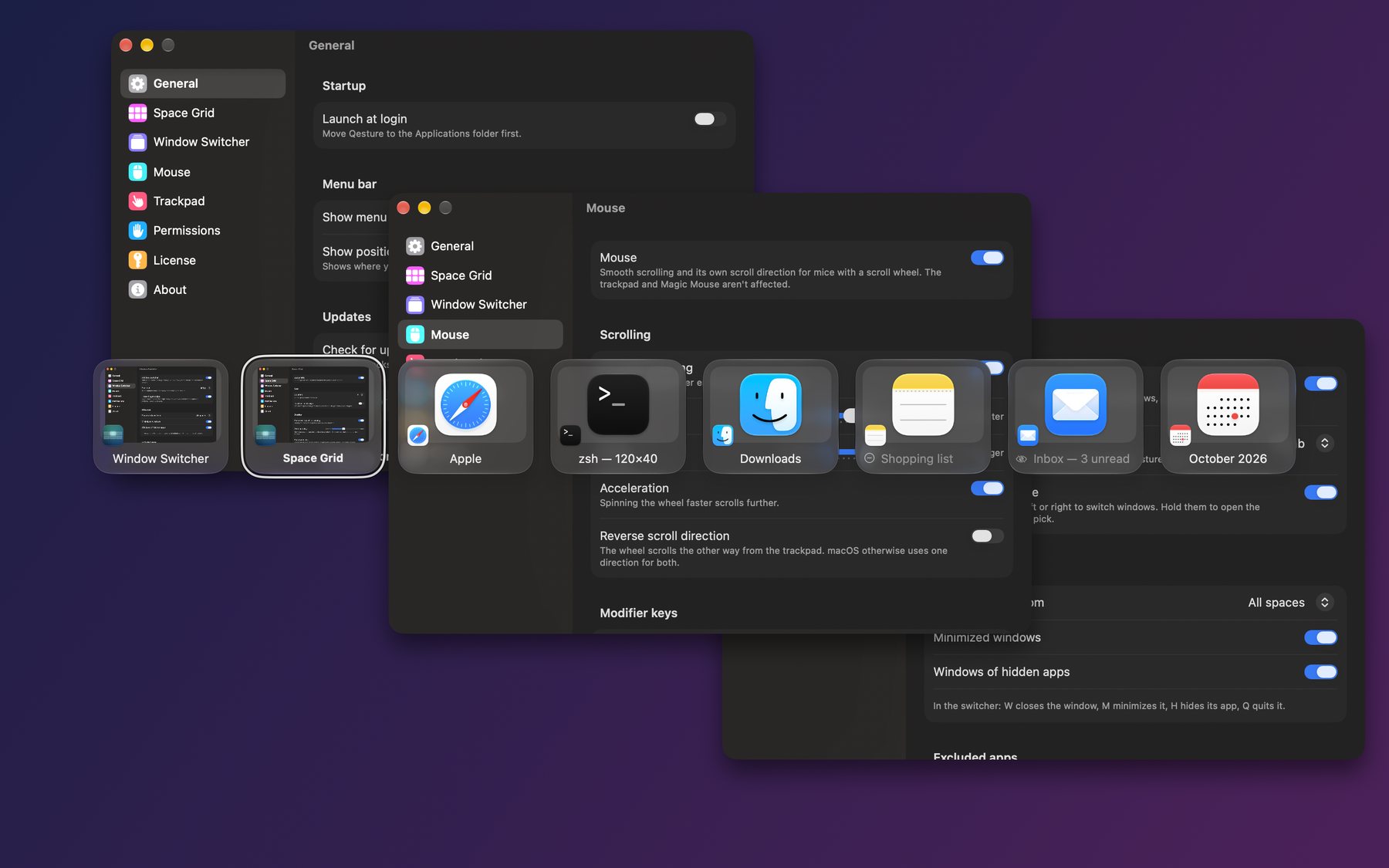
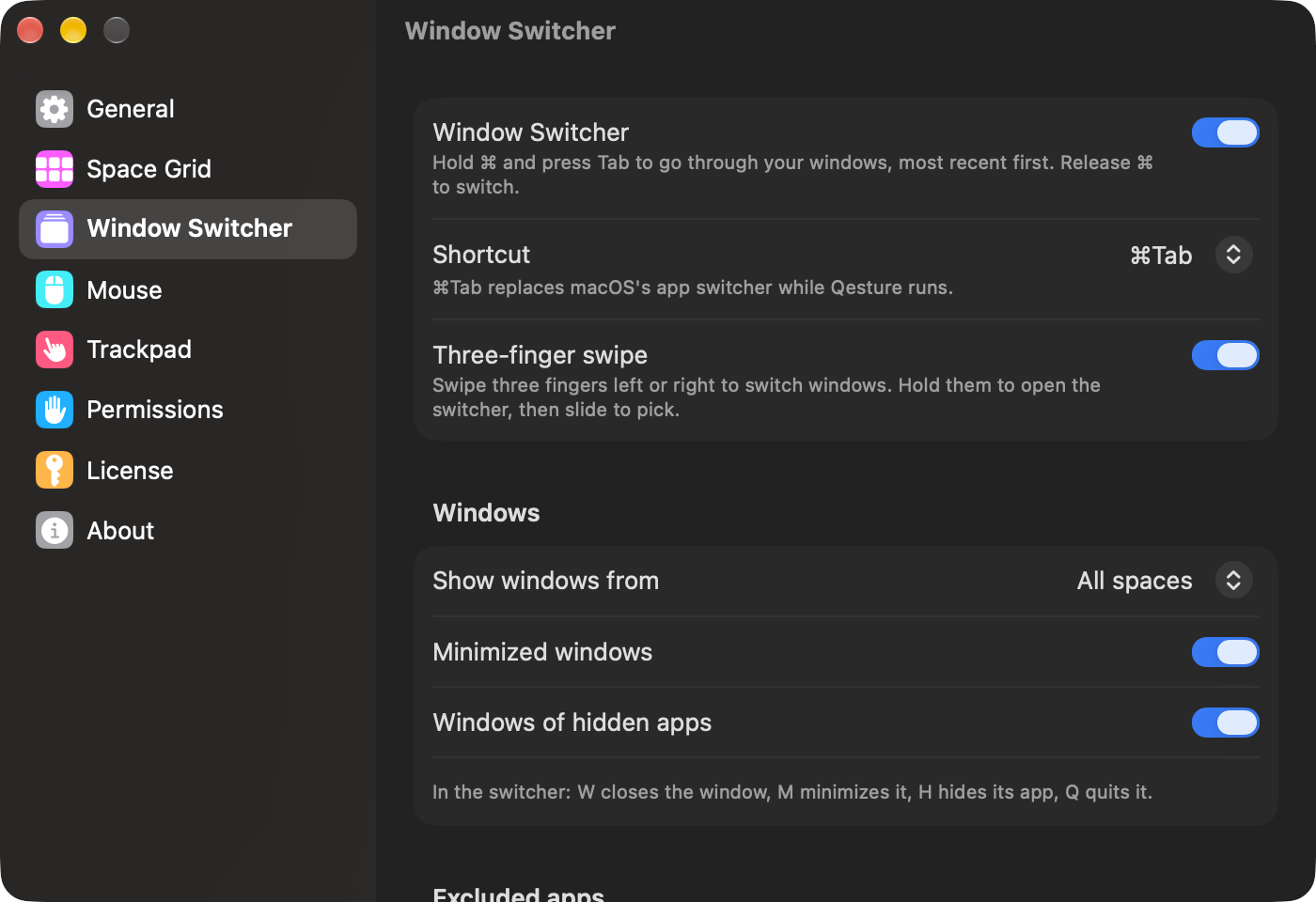
Every window from every space, most recent first, with previews. Open it with Command-Tab or three fingers.

  • A quick three-finger swipe switches straight to the next window without showing the panel.
  • Hold three fingers still to open the switcher, slide to pick, and lift to switch.
  • While the switcher is open, press W to close a window, M to minimize, H to hide its app, or Q to quit the app.

Mouse

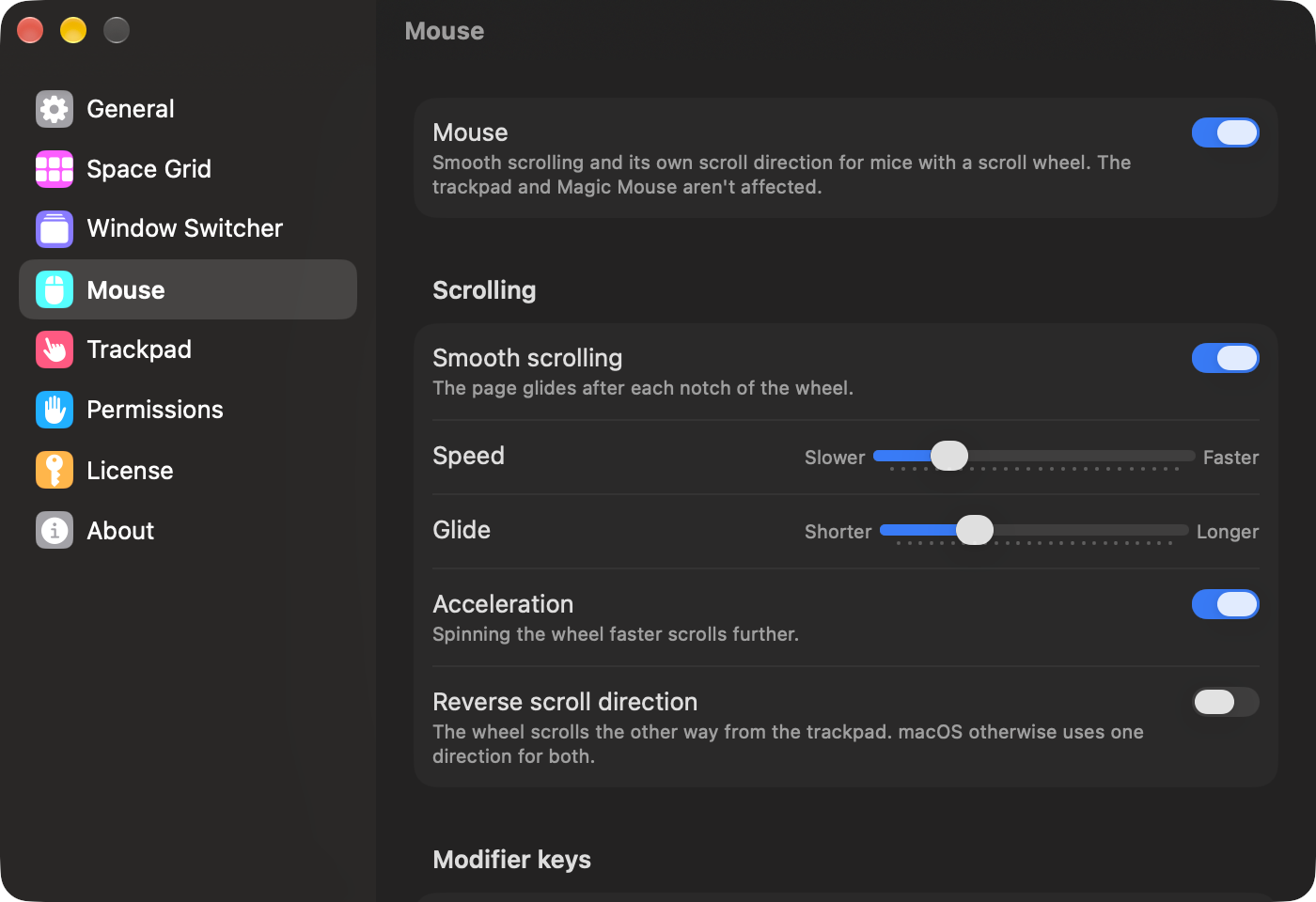
Give any mouse wheel smooth scrolling with glide and a scroll direction of its own. And the spare buttons finally do something.

  • Hold modifier keys for precise, fast, and sideways scrolling.
  • Click, double click, or hold the middle button, button 4, or button 5 to run actions.
  • Hold the middle button and click the right one to open the window switcher. Click again to move on, and let go to switch.

Trackpad

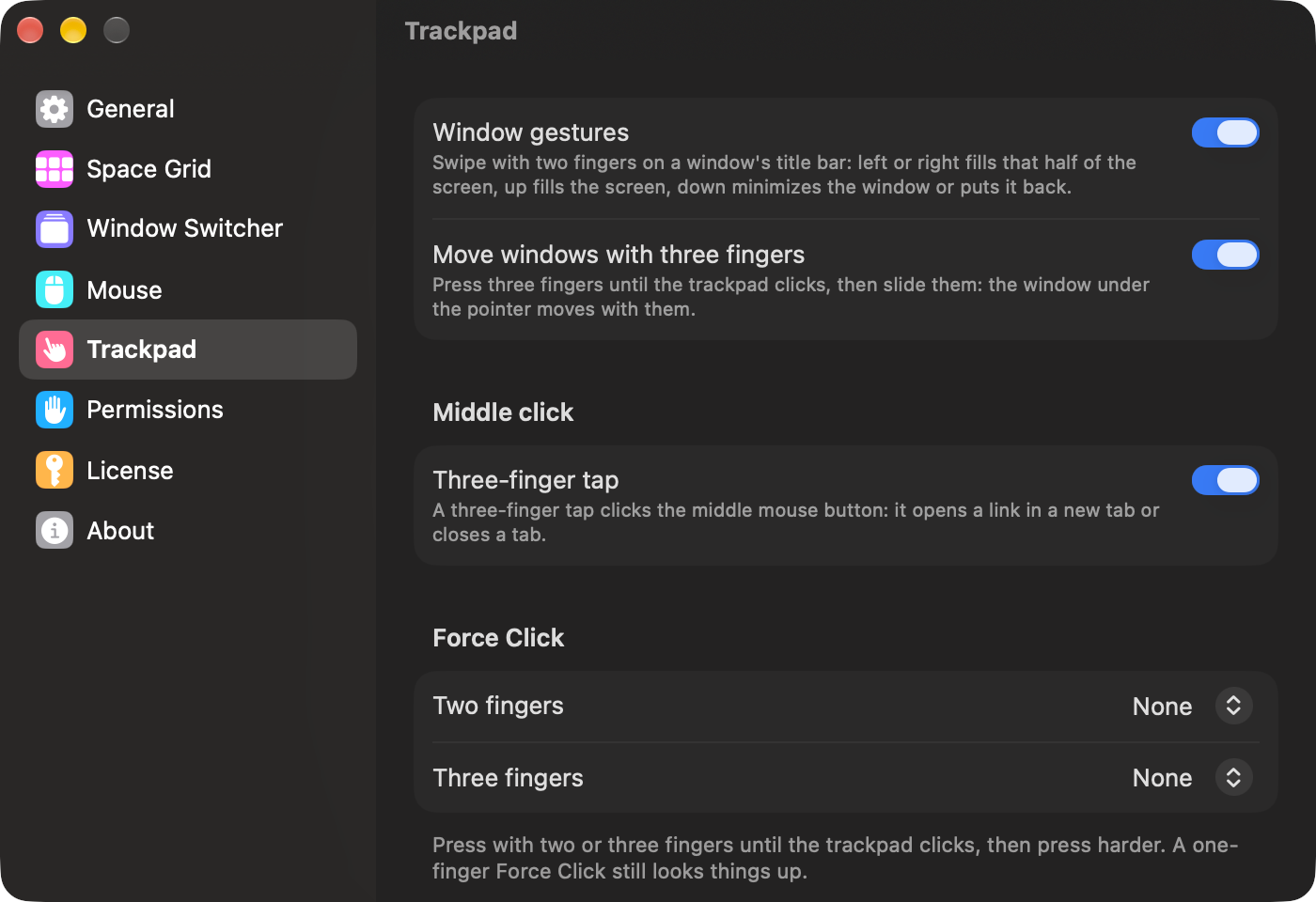
New tricks for your trackpad: a middle click, tiling from the title bar, and moving windows with three fingers.

  • A quick tap with three fingers works as a middle click.
  • Swipe two fingers on a window's title bar to tile it, fill the screen, or minimize.
  • Press three fingers until the click and slide to move the window under the pointer.
  • A Force Click with two or three fingers can run an action.

Radial menu

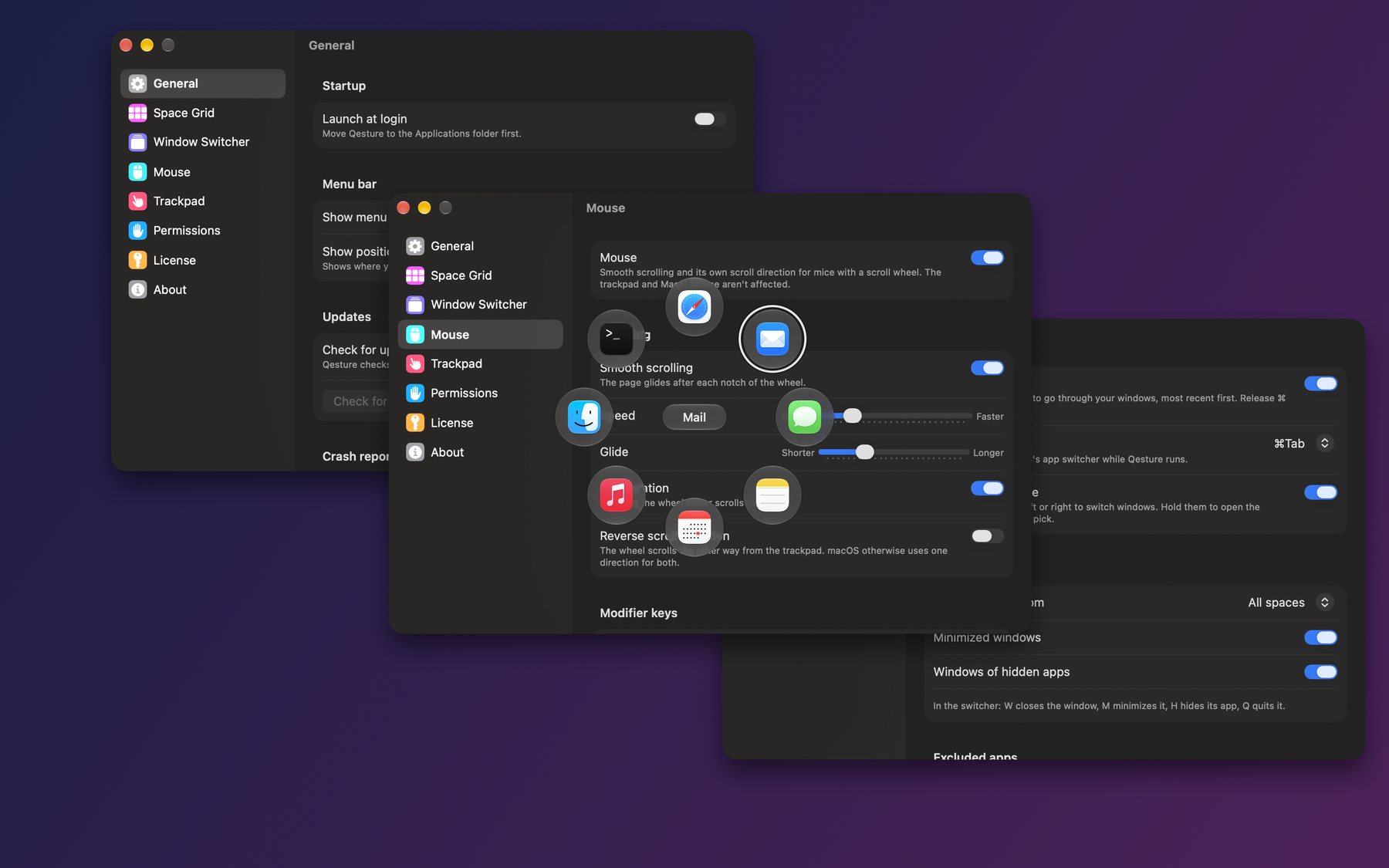
Rest five fingers and your apps appear in a ring around the pointer. Slide toward one and lift.

  • Eight places around the pointer hold recent apps by default, followed by Dock apps.
  • Slide toward an item and lift to open it, or lift near where you started to close the ring.
  • Each place can be set to an app or an action.

Settings

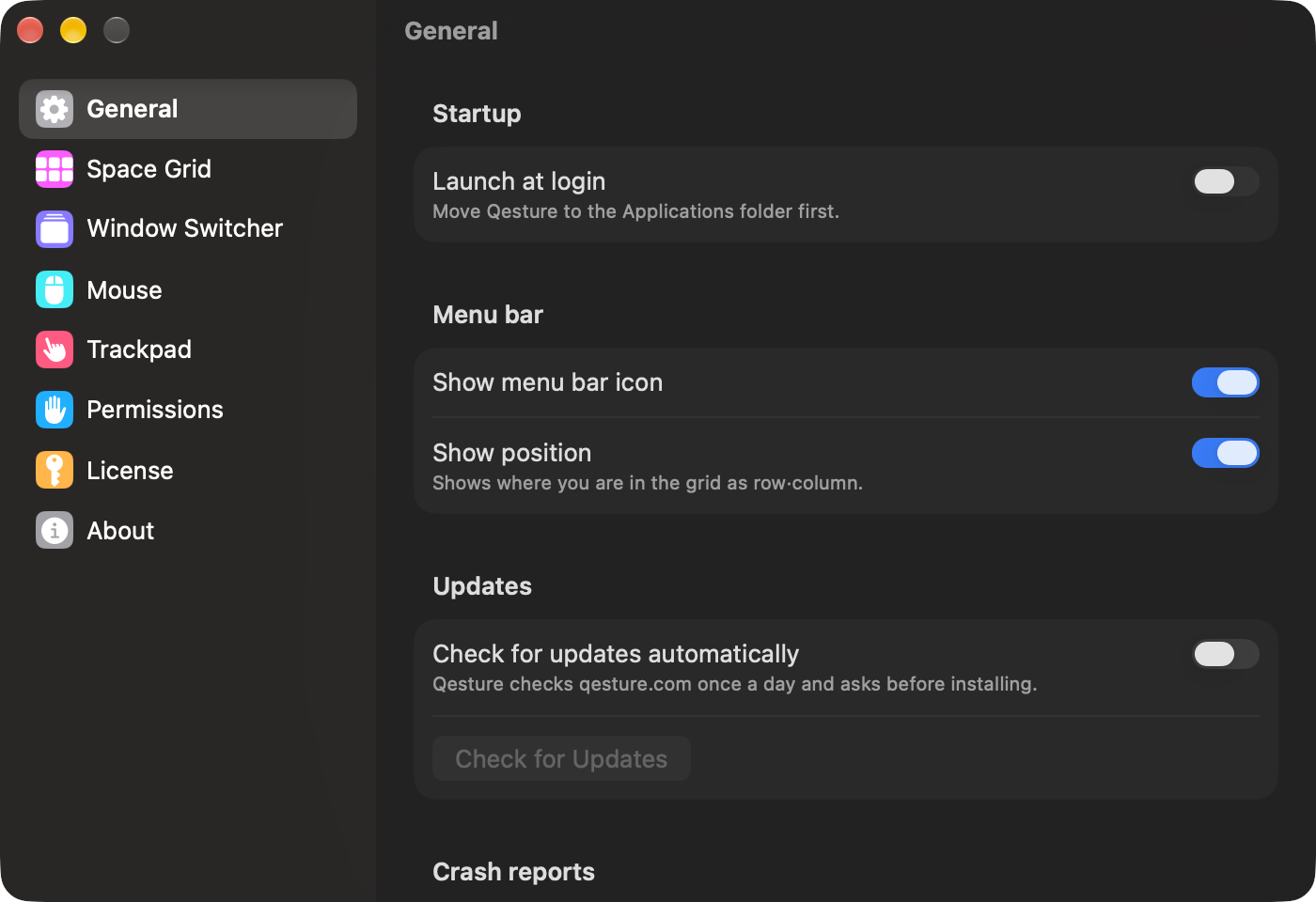
Every feature can be turned off, and Settings is laid out like System Settings, so nothing's hard to find.

The Space Grid page of the Qesture Settings window, with the switch, the number of columns, and overlay options.

Pricing

A one-time purchase, priced by the number of Macs you use it on. No subscription.

1 Mac

$9.99

Buy 1 Mac

2 Macs

$14.99

Buy 2 Macs

3 Macs

$19.99

Buy 3 Macs

Free updates for all 1.x versions.

Not sure yet? Every feature works for 14 days, no card needed.

Download free trial

Questions

How does the free trial work?

The trial lasts 14 days and includes every feature. You don't need a card. When it ends, features pause until you enter a license key. Your settings are kept.

Can I use Qesture on more Macs later?

Yes. Write to contact@qeepl.com and pay the difference between the two prices.

Does it work offline?

Yes. Qesture checks your license every few days and keeps working for up to 30 days without an internet connection.

How do I deactivate a Mac?

Open Settings → License and click Deactivate This Mac. That frees the seat for another Mac.

How do I get a refund?

Write to contact@qeepl.com from the email you bought with. A full refund deactivates the license key.

What do I need?

macOS 26 or later, on Apple silicon or Intel. A trackpad for gestures, and a Force Touch trackpad for Force Click.

Why isn't Qesture in the Mac App Store?

Qesture works with system gestures and windows in ways the App Store's rules don't allow. It's signed with Apple's Developer ID, notarized by Apple, and checks for updates by itself.

What does Qesture need access to?

Accessibility access is required for gestures, the window switcher, and the mouse. Screen Recording is optional, used only for previews; without it, Qesture shows app icons instead.

Does Qesture collect data?

Qesture has no analytics and does not track how you use it. The license service stores what it needs to issue your key. See the privacy policy.

Does Qesture send crash reports?

No, not by itself. After a crash it offers to open an email with the report to contact@qeepl.com, which you can read before sending. You can turn this off in Settings → General.

I lost my key.

Enter your email address on the resend page, and your keys will be sent to you again.